
YouTube Renames Analytics to Insights, Adds AI Cards
A limited redesign swaps YouTube Studio's Analytics tab for Insights, adds four AI-generated performance cards for eligible creators, and turns Trends into a Research tool built for planning the next video.
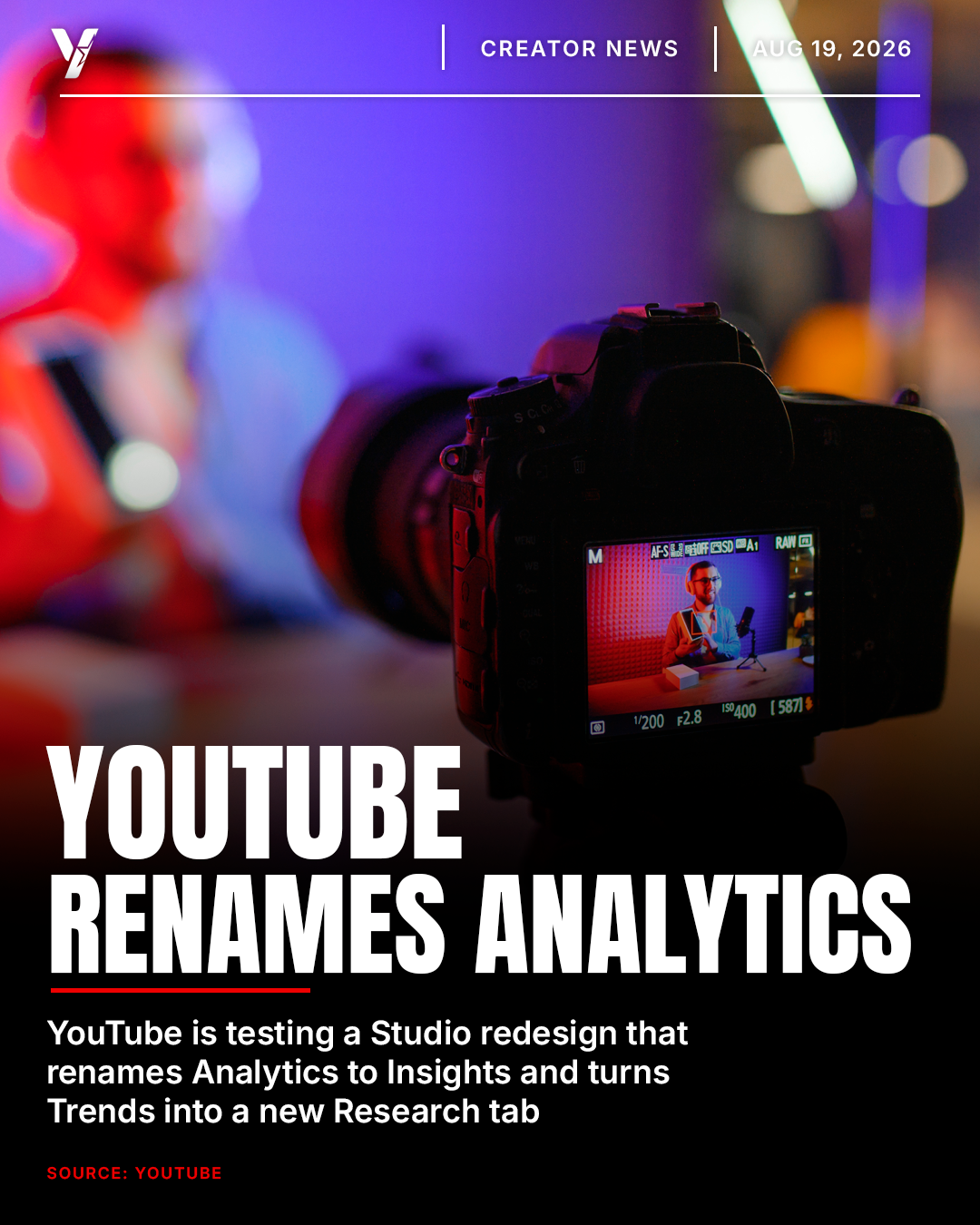
YouTube is testing a redesigned version of YouTube Studio that puts performance data front and center. The company has renamed the Analytics tab to Insights, added AI-generated summary cards for eligible creators, and turned the old Trends tab into a new Research section built for planning what to upload next. The update started rolling out to a small group of creators on July 16, 2026, and there is no confirmed date for a wider release.
What YouTube Actually Changed
The redesign touches three parts of Studio at once: how analytics are organized, how creators plan future videos, and which older tools are being phased out. None of it is mandatory yet, since YouTube is running it as a limited test, but the direction is clear enough that most creators will eventually see some version of it.
- Analytics is now called Insights, with related metrics and charts grouped together instead of spread across separate pages
- A new back button returns creators to the Insights overview from any detailed view
- The main overview now uses a simplified date range selector, with full custom ranges and real time data still available inside a new Advanced Mode
- Four AI-generated insight cards, Channel Summary, Content Patterns, Audience Loyalty, and Video Summary, are available to creators who already have access to Ask Studio
The Four New AI Insight Cards, Explained
These cards only appear for creators enrolled in Ask Studio, the conversational AI assistant that lives inside Studio. Here is what each one covers.
- Channel Summary: a written overview of how the whole channel performed over the selected time period
- Content Patterns: highlights what recent uploads have in common, from topic to format to length
- Audience Loyalty: breaks down how much of the channel's views come from returning viewers versus new ones
- Video Summary: an automatically generated, per-video recap of what worked and what did not
Ask Studio itself launched in the United States in English on October 27, 2025, as a chat style assistant that lets creators ask questions about their comments, their analytics, and get content ideas. The new cards essentially surface some of that same analysis automatically, without requiring a prompt.
Research Replaces Trends
The old Trends tab is being renamed and rebuilt as Research. It surfaces videos from other channels alongside subscriber counts, view counts, video age, and an outlier multiplier, a score that measures how a video performed against a channel's typical output in its first seven days. Filters let creators sort by view count, outlier score, video age, or a watched by my viewers option that highlights audience overlap.
One Feature Is Going Away
As part of the same update, YouTube confirmed it is retiring the Saved Keywords feature on desktop. Creators have a three month window from the July announcement to export their saved keyword lists as a CSV file, or keep using the feature through the YouTube Studio mobile app, where it remains available for now.
Why This Matters for Creators
None of this is available to most creators yet, but the direction points at a few concrete changes worth planning around.
- Grouped metrics mean fewer clicks to diagnose why a video underperformed or overperformed
- AI summaries can cut time spent digging through spreadsheets, but only for creators with Ask Studio access
- The Research tab moves competitive benchmarking inside Studio, a job many creators currently pay third party tools to do
- Access is uneven for now, so most creators will not see any of this in their own Studio dashboard yet
“Every time YouTube folds a research tool creators used to pay for into Studio itself, the ceiling for what a free toolkit can do goes up a little more.”
— YouTubeSkool Growth Desk
Who Has Access Right Now
Both pieces are limited tests. The Insights and Research redesign is rolling out to a small group of creators on desktop, and Ask Studio, the AI assistant that powers the insight cards, has been available only in the United States and only in English since its October 2025 launch. YouTube has not confirmed a timeline for a wider rollout.
What Creators Should Do Now
- Check Studio for an "Insights" label instead of "Analytics" and explore Advanced Mode if you see it
- If Ask Studio shows up as a sparkle icon in Studio, try the four insight cards and see if they save you time
- Export your Saved Keywords list as a CSV now, before the desktop feature is retired
- Keep using third party research tools alongside the new Research tab until it reaches your account and proves itself
What's Next
YouTube has not announced an expansion timeline for either the Studio redesign or Ask Studio. Tests like this one typically widen over the following months if the response from early users is positive, so it is worth checking Studio periodically rather than assuming the update has passed you by. YouTubeSkool will update this article once YouTube confirms a broader rollout.
Frequently asked questions
What is YouTube's new Insights tab?+
Insights is YouTube's renamed version of the Analytics tab, currently in limited testing in Studio on desktop. It groups related metrics and charts together, adds a simplified date range selector on the main screen, and moves full custom ranges and real time data into an Advanced Mode.
What are the four AI insight cards YouTube is testing?+
Channel Summary, Content Patterns, Audience Loyalty, and Video Summary. They generate written breakdowns of channel and video performance automatically, but only appear for creators who already have access to Ask Studio.
Who can access the Insights redesign and Ask Studio right now?+
Both are limited tests. The Insights and Research redesign is rolling out to a small group of creators on desktop, and Ask Studio, the AI assistant that powers the insight cards, has been available only in the United States and only in English since its October 2025 launch.
Is YouTube removing the Analytics tab completely?+
Not exactly. Analytics is being renamed Insights and reorganized, but the underlying metrics, real time data, and custom date ranges are still there, just moved into an Advanced Mode instead of the main screen.
What happened to YouTube's Saved Keywords feature?+
YouTube is retiring Saved Keywords on desktop as part of this update. Creators have a three month window from the July 2026 announcement to export their saved keyword lists as a CSV file, or keep using the feature through the YouTube Studio mobile app.
Get the editing behind every winning video
Free 60-second channel audit, then get your content edited in your chosen style. Trusted by creators who treat YouTube like a business.
Related stories
 Creator News
YouTube Changes How Views Are Counted Starting Aug. 24
YouTube will count views from the first frame starting August 24, 2026, with no minimum watch time across VOD, Shorts, and live. Earnings stay unaffected.
 Monetization
YouTube Doubles Partner Program Requirements for 2027
YouTube will require 8,000 watch hours or 20 million Shorts views to join the Partner Program starting February 1, 2027, twice today's bar.
 Industry
The FTC Is Reportedly Preparing a Complaint Over YouTube's Moderation Policies
Bloomberg reports the FTC is nearing a formal complaint against YouTube, alleging the platform told creators one set of content rules while enforcing a stricter, undisclosed standard behind the scenes.